Handover is a zip file
When a client buys, you export their site as a standard WordPress package. It installs on any host running WordPress 6.5+ and PHP 7.4+, and it has no connection back to us: no tracking, no account required. The client's site is theirs.
1
Build the package in your dashboard
Mark the demo sold, open its Handover tab and click Build WordPress package. In about a minute you download one zip: the theme, the companion plugin, a site package with every page and image, and an install README.
2
Install on the client's WordPress
Upload and activate the theme, then the plugin, then import the site package under Settings > Demo Factory. The whole site - home, services, areas, contact - renders right away, and the importer is safe to re-run.
3
Connect the licence key
Issue a key in the dashboard, paste it in the plugin and verify. The plugin now shows the site's own balance, and you decide who pays for AI work: the owner tops up their site balance ($25 / $50 / $100) or your agency covers it.
4
Point the domain
Update DNS to the client's host, set the site address in Settings > General, and the site is live on the client's domain.
The plugin that stays
Most exports end at the zip. Ours keeps working: the companion plugin owns the site's SEO and schema, updates itself, and carries the licence that lets AI rewrites keep running after handover - paid for by the owner's own site balance, or by your agency.
- All SEO output: titles, meta, canonicals, Open Graph and local-business schema
- The dynamic blocks, service pages and the lead form
- Self-hosted theme and plugin updates, straight from us
- The site balance: the owner buys balance by card and runs rewrites and photo classification from wp-admin
- An AI connection your agency can disconnect anytime - the site keeps working either way
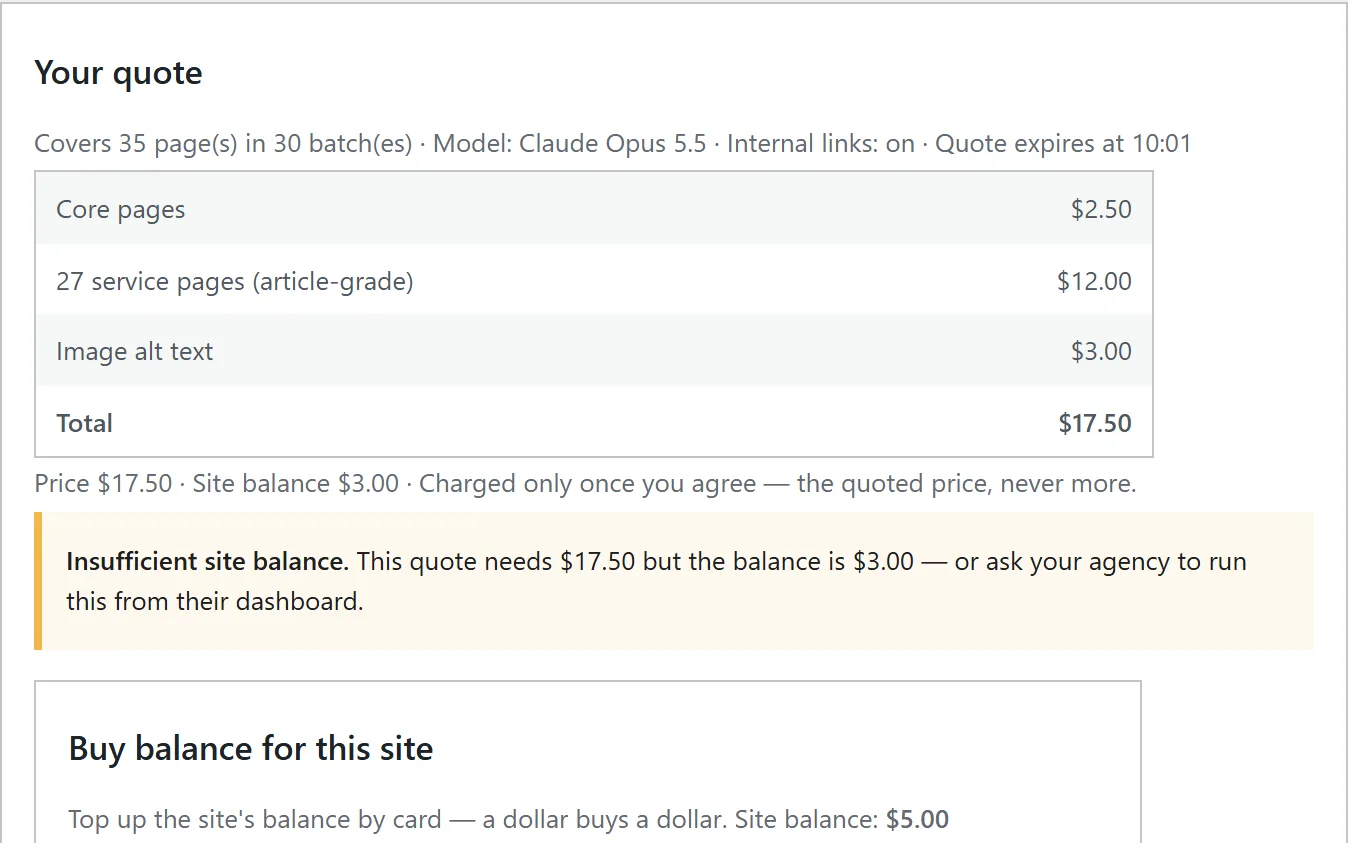
Walkthrough: SiteGround hosting, install, licence, intake, rewrite, photos, disconnect.
What your client's team can edit
- Every page's copy, headings, and photos through the block editor
- Services: add, rename, reorder, or unpublish them
- Business details: phone, address, hours, service areas
- The contact form and where its emails go
- Menus, footer text, and the logo
Developers can also import from the command line: wp lsb import <dir>.